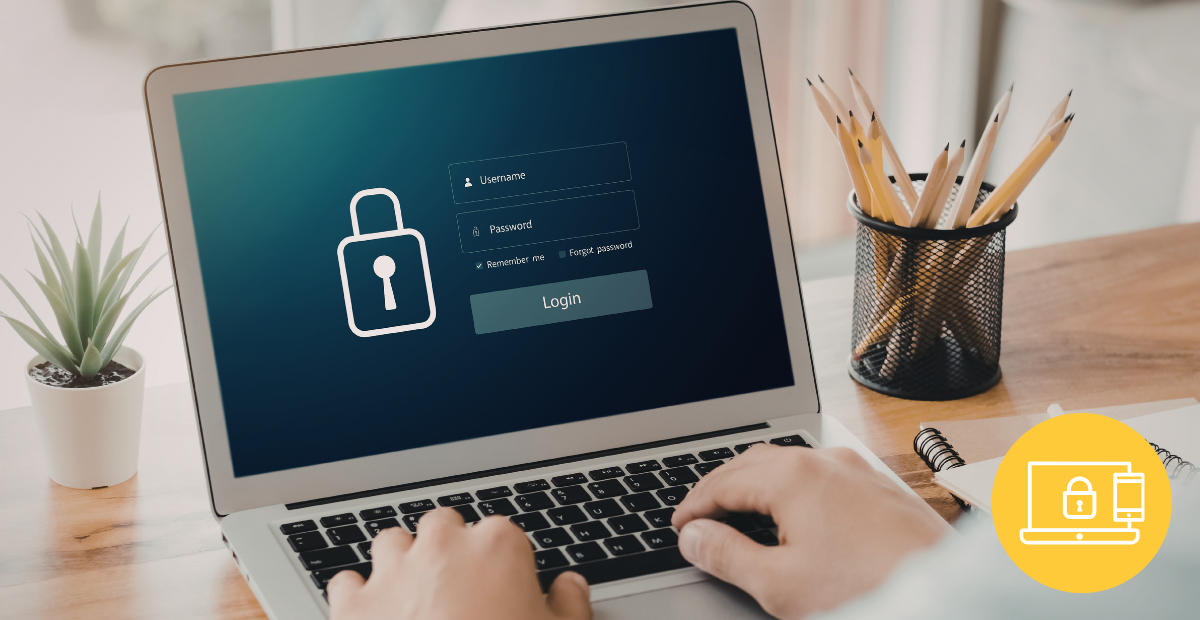
Every year, World Password Day is a reminder of something simple—but critical: passwords are still the first line of defense in our digital lives.
And yet, the data tells a different story.
report
At the same time, researchers analyzing over 19 billion leaked passwords found that 94% were reused across accounts —meaning a single breach can unlock multiple systems.
For organizations using Learning Management Systems (LMS), this is not just a theoretical risk—it’s a real business threat.
Why LMS Security Is Critical
An LMS is more than just a training platform. It often contains:
- Personal user data
- Certification records
- Internal training materials
- Compliance documentation
- In some cases, payment or HR-related data
If compromised, the impact can include:
- Data breaches and regulatory issues
- Loss of trust from learners and clients
- Unauthorized access to sensitive content
- Operational disruption or fraud
In short: a weak password isn’t just a user issue—it’s an organizational risk.
The Problem: Weak Password Habits Persist
Despite years of awareness campaigns, password habits haven’t improved much.
NordPass research shows that simple numeric sequences like 123456 still dominate globally, common words and names are frequently used. All age groups demonstrate similarly poor password practices
Even when users try to be “creative” (e.g., P@ssword1), patterns remain predictable and easy for attackers to exploit.
This highlights an important truth: Security cannot rely on user behavior alone. Platforms must enforce it.
What to Look for in a Secure LMS
A secure LMS should not just recommend good practices—it should enforce and support them.
Here are the key features to look for:
1. Strong Password Policies
Your LMS should allow you to:
- Define minimum length (ideally 12–16+ characters)
- Require complexity (uppercase, lowercase, numbers, symbols)
- Enforce password expiration (e.g., every X days)
Even more important, policies should be configurable by role. For example, administrators may have stricter rules than learners.
2. Multi-Factor Authentication (MFA)
Passwords alone are no longer enough.
MFA adds an extra layer of verification (mobile code, authentication application), making access much more difficult for attackers, even if a password is compromised.
A high-performance LMS should :
- Offer MFA as a standard feature
- Allow enforcement by role or globally
3. Secure Password Recovery
Password reset flows are often overlooked—but they’re a common attack vector.
What to expect:
- Secure token-based reset links
- An expiry date
- Identity verification steps
4. Failed Login Monitoring & Reporting
Visibility is key to prevention.
Your LMS should offer reports on failed connections. This enables you to detect brute-force attacks at an early stage.
5. Protection against multiple attempts
To prevent automated attacks, your LMS should :
- Temporarily block users after several failed attempts
- Allow administrators control over lockout thresholds
- Allow administrators to unblock users, if necessary.
It’s a simple but highly effective measure.
Safety is a shared responsibility
While users play a role in choosing better passwords, organizations must provide the right framework.
This implies :
- Enforcing strong policies
- Providing secure authentication methods
- Monitoring and responding to threats
Because when safety is optional, it’s often overlooked.
Final thoughts
World Password Day isn’t just about better passwords—it’s about better systems.
As cyber threats evolve, the question is no longer: “Do your users choose good passwords?” But rather: “Is your platform designed to protect them, even when they don’t?”.
Find out how uxpertise helps you strengthen LMS security with advanced password policies, MFA and monitoring tools. Contact us to learn more about our platforms and how they can meet your needs.