Ensure Exam Integrity with uxpertise’s Exam Proctoring Service
Deliver a seamless candidate experience with our exam proctoring service integrated into uxpertise LMS and uxpertise XP.
A LEVEL FOR EVERY PROCTORING NEED
Choose the level of proctoring needed for every exam. From ID verification to AI detection.
PRIVACY PROTECTION AT OUR CORE
The Privacy by Design architecture makes it 100% compliant with global privacy standard such as GDPR
NO INSTALLATION REQUIRED
No app, plugin, or extension downloads are required. This reduces technical support requests and the risk of malware.
24/7 LIVE CUSTOMER SUPPORT
Your exam candidates have access to support via live chat, email, and phone. A user guide is also available to assist them.
AUDIT-READY
REPORTS
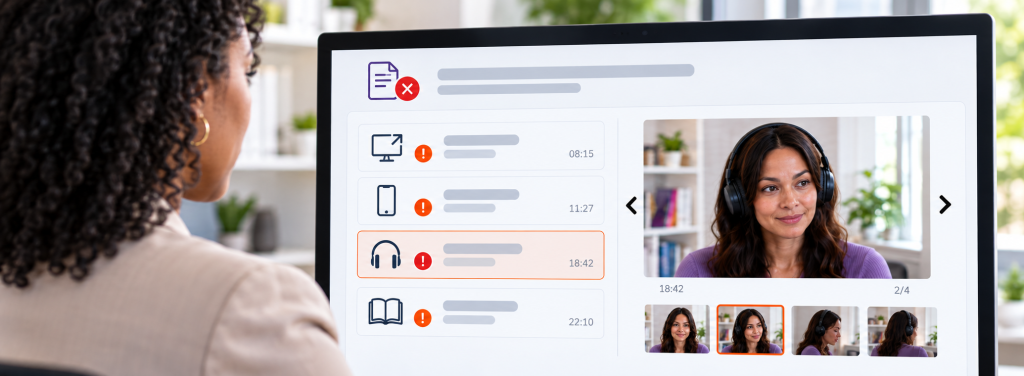
Comprehensive reports with evidence of exam rule violations. Violations are timestamped, and an integrity score is displayed.
PROCTORING ON DEMAND
Online exam proctoring anywhere, anytime with our integrated proctoring service.
FINAL DECISION BY HUMAN
Human reviewers assisted by AI make the final decision. Your team can always override a decision.
BILINGUAL INTERFACE AND SERVICE
The proctored exam interface and customer service is available in both English and French.
The violations we can detect or block
Leaving the camera’s field of view
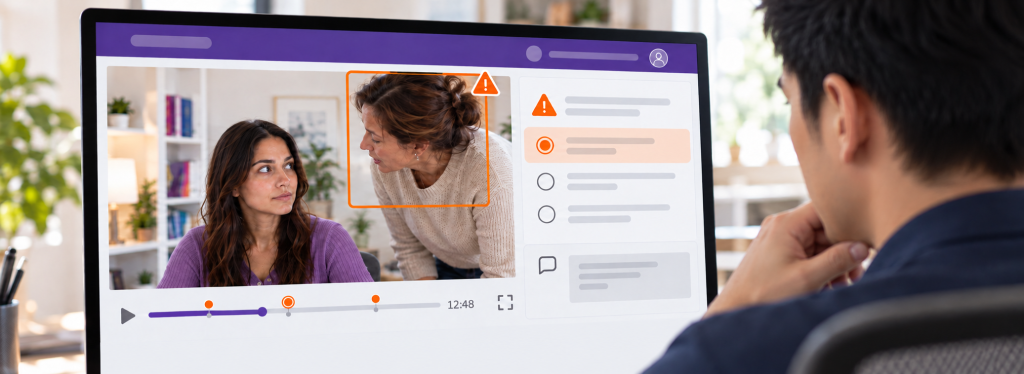
Being in the presence of others in the room
Using messaging applications
Using electronic devices (phone, tablet, etc.)
Using headphones or earbuds
Using external resources (e.g., books)
Using AI plugins
Using secondary screens or remote access applications
Stopping screen sharing or exiting full-screen mode
How do proctored exams work?
Step 1: Identity verification
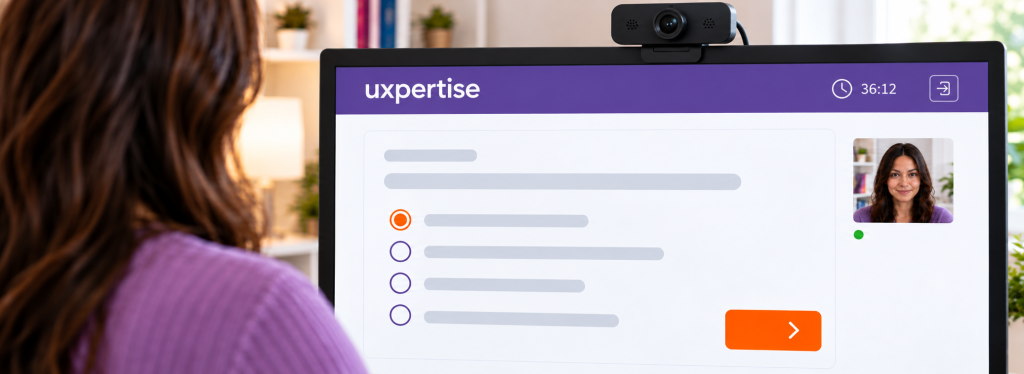
Candidates take a photo of themselves and their ID directly within the platform.
Our proctoring team then performs a thorough verification by comparing these elements with the candidate’s registered information.
In the event of a discrepancy, an invalid identity status is automatically flagged in the report, ensuring the integrity and reliability of the verification process.
Step 2: Proctor the exam session
Depending on the selected proctoring level, our solution captures on-screen activity and records the participant’s webcam video and audio. It also blocks the use of secondary screens and unauthorized AI tools.
Before the exam, a room scan can be performed to secure the environment. A second camera, activated via a mobile phone and positioned behind the participant, provides an additional view for enhanced monitoring.
A comprehensive and flexible approach to ensuring the integrity of online assessments.
Step 3: Session is reviewed by our team
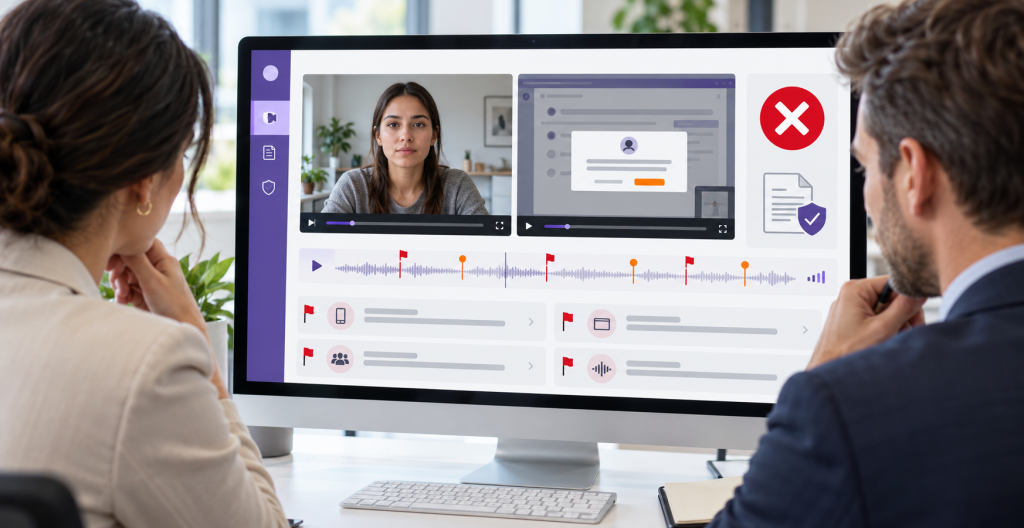
The technology flags potential exam rule violations. Reviewers assess these flags and review the entire session to identify any other unauthorized behaviour. Each session is carefully evaluated in context to confirm actual violations and reduce the risk of false positives.
Each violation is supported by timestamped evidence, enabling administrators to make informed, defensible decisions if a candidate requests a review.
Step 4: Audit-ready reports
Automated reports are generated for administrators as soon as our proctoring team completes the session review and assigns a status. They are available within a maximum of 12 hours after exam submission—often much sooner.
Each report includes a detailed log of violations, with explanations and supporting screenshots. With the ProctorPro plan, you also get full access to audio and video recordings for maximum transparency and verification.
A level of proctoring for every need
A turnkey exam proctoring service with reliable results and audit-ready reports.
ProctorAide
Low stakes
Identity Verification
Clear Image of Participant
Accepted Photo ID
Session Name & ID match
Flagging
Remain in Camera View
No Other Participants
No Headphone Use Nor Electronic Devices
No External Resources
No Messaging Applications
Monitoring & Review
AI and Human Review
Camera Monitoring
Screen Monitoring
Audio Feed
Full Video Feed
Assessment Security
Onscreen Content Protection
Expose AI
Room Scan
Second Camera
Reports
Audit-Ready Reporting
Possibility to Override the Decision
ProctorLite
Enjeux faibles
Identity Verification
Clear Image of Participant
Accepted Photo ID
Session Name & ID match
Flagging
Remain in Camera View
No Other Participants
No Headphone Use Nor Electronic Devices
No External Resources
No Messaging Applications
Monitoring & Review
AI and Human Review
Camera Monitoring
Screen Monitoring
Audio Feed
Full Video Feed
Assessment Security
Onscreen Content Protection
Expose AI
Room Scan
Second Camera
Reports
Audit-Ready Reporting
Possibility to Override the Decision
ProctorPlus
Mid stakes
Identity Verification
Clear Image of Participant
Accepted Photo ID
Session Name & ID match
Flagging
Remain in Camera View
No Other Participants
No Headphone Use Nor Electronic Devices
No External Resources
No Messaging Applications
Monitoring & Review
AI and Human Review
Camera Monitoring
Screen Monitoring
Audio Feed
Full Video Feed
Assessment Security
Onscreen Content Protection
Expose AI
Room Scan
Second Camera
Reports
Audit-Ready Reporting
Possibility to Override the Decision
ProctorPro
High stakes
Identity Verification
Clear Image of Participant
Accepted Photo ID
Session Name & ID match
Flagging
Remain in Camera View
No Other Participants
No Headphone Use Nor Electronic Devices
No External Resources
No Messaging Applications
Monitoring & Review
AI and Human Review
Camera Monitoring
Screen Monitoring
Audio Feed
Full Video Feed
Assessment Security
Onscreen Content Protection
Expose AI
Room Scan
Second Camera
Reports
Audit-Ready Reporting
Possibility to Override the Decision
Prefer to have your own team review exam sessions?
It’s possible with IntegrityView. Your teams have the tools to review sessions themselves once exams have been submitted and assign an integrity score.
The candidate’s photo, screen recording and webcam recording are brought together in a synchronized view to simplify the review process. Your reviewers assess each situation in context, determine the integrity status and document their decisions.
The difference with our other proctoring levels
Your teams review exam sessions.
Only the test-taker’s photo is shared.
The second camera and room scan are not included.
Why choose IntegrityView? Working with a limited budget and already have a team in place to review sessions? This option is ideal for you.
Our exam proctoring service is integrated into our platforms
Learning Management System
Enjoy an all-in-one solution to manage your training activities and exams with full integrity. Enable proctoring only for the exams that require it. No installation required Only a few clicks to get started!
Online Exam Platform
Enjoy an all-in-one solution to manage your exams and certifications with full integrity. Enable proctoring only where needed—no installation required. Get started in just a few clicks!
Start offering online and remote exams with integrity.
uxpertise has Teamed with Integrity Advocate to Offer Proctoring
In the realm of education, upholding academic integrity in exams becomes even more complex within the dynamic landscapes of hybrid and blended learning environments.
Recognizing this need, uxpertise and Integrity Advocate have joined forces to offer an all-in-one solution for educational and training institutions. Notre service de surveillance utilise la technologie de pointe d’Integrity Advocate pour garantir l’intégrité des examens.
Proctoring Pricing
Visit our pricing page to learn more about our pricing model.